DroidDeck
2 Hours Ago
69.5 MB
v1.0.0
Android 6.0+
1M+
Description
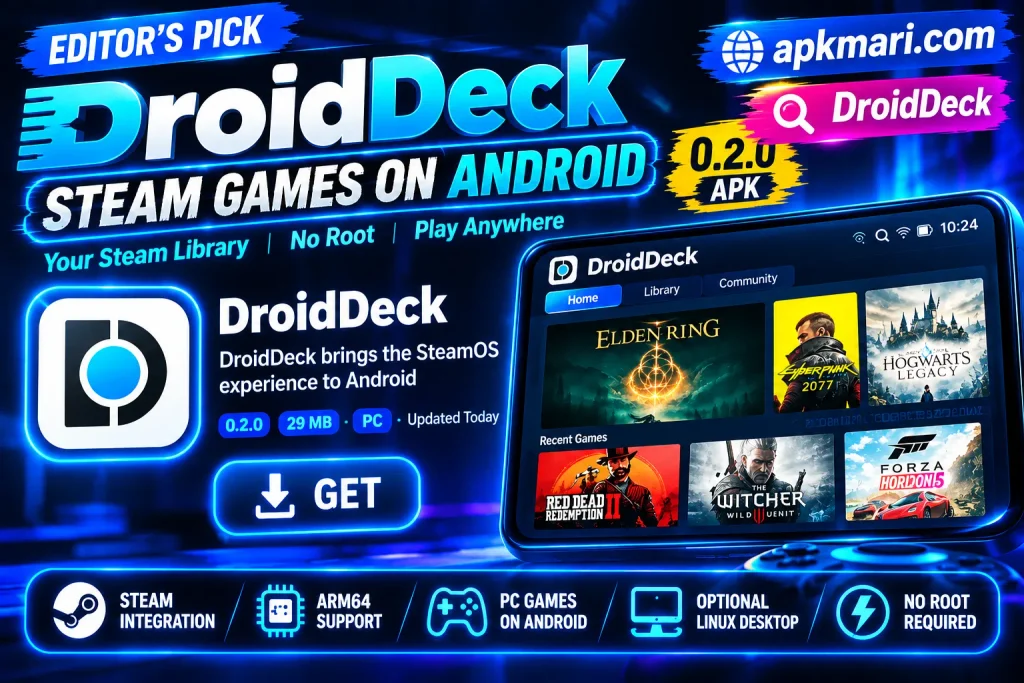
Android devices have become powerful enough to handle much more than normal mobile applications and games. DroidDeck is an Android app designed for users who want to bring a Steam-style PC gaming experience to compatible Android handhelds and smartphones.
The app focuses on running Valve’s Steam client in Big Picture mode on supported Snapdragon devices. Instead of working as a simple game-streaming application, DroidDeck creates a Linux-based environment directly on the Android device and uses technologies such as gamescope, ARM64 Proton, and FEX-Emu to help run compatible PC games.
What Is DroidDeck?
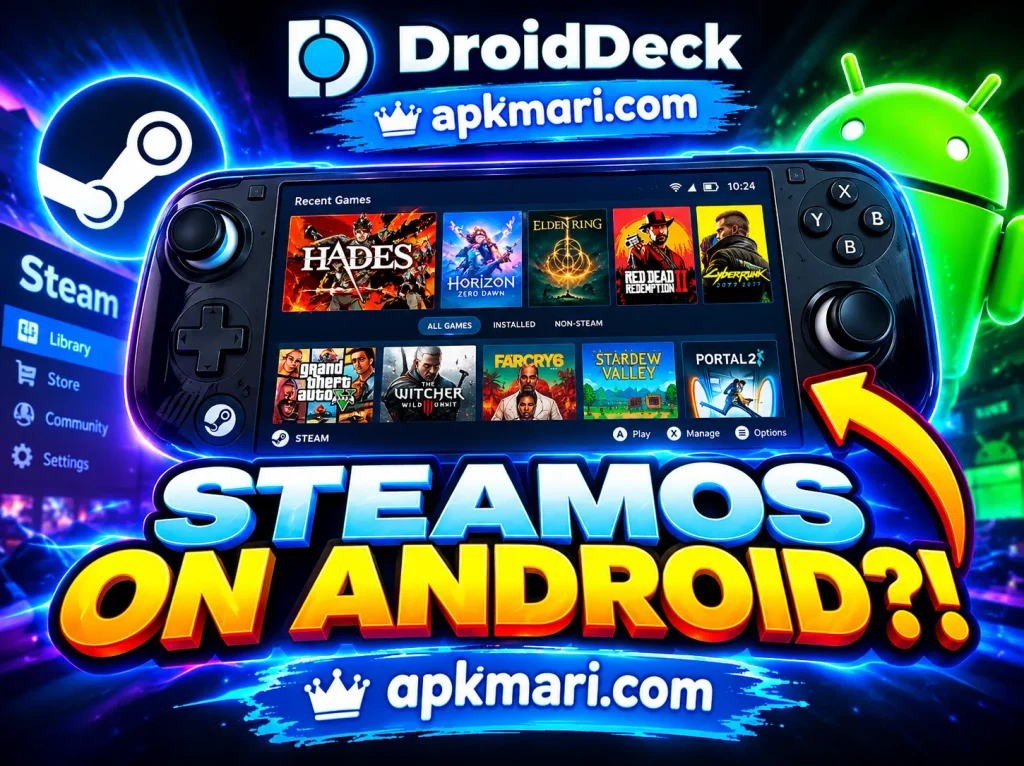
DroidDeck is an open-source Android application built to bring the Steam gaming experience to compatible Android handhelds and smartphones. The app runs Valve’s Linux ARM64 Steam client in Big Picture mode inside a Linux environment on Android.
Unlike traditional game-streaming apps, DroidDeck is designed to run the Steam client directly on the Android device. Compatible Windows PC games can use Valve’s ARM64 Proton release together with FEX-Emu for instruction translation.
The application is mainly designed for Snapdragon-powered devices with supported Adreno graphics. According to the official project requirements, Android 9 or newer and an Adreno 730 or newer GPU, including supported Adreno 8xx hardware, are required.
DroidDeck Interface and Experience
The interface is one of the most important parts of any gaming application. DroidDeck focuses on creating a console-style experience that works well with Android gaming handhelds.
After completing the setup, users can launch Steam in Big Picture mode. This provides access to the Steam library, store, cloud-related features, and compatible games through a layout designed for controller navigation.
The app also includes a launcher experience designed for handheld devices. Users can browse available games and adjust different settings without depending entirely on a traditional desktop layout. Recent releases also allow Android apps to appear inside the DroidDeck launcher when it is configured as the device’s Home application.
Main Features of DroidDeck
DroidDeck includes several features designed to make PC gaming more accessible on compatible Android hardware.
Steam Big Picture Mode
One of the main features is support for Valve’s Steam client in Big Picture mode.
After the required environment has been installed, DroidDeck can download the Steam ARM64 client from Valve’s servers and launch it on the Android device. Players can then sign in to their Steam account and browse their personal library.
The interface is useful for handheld gaming because it can be controlled using physical buttons, analog sticks, and compatible controllers.
ARM64 Proton Support
DroidDeck supports Valve’s ARM64 Proton technology for running compatible Windows games.
When a Windows game is launched, Proton and supporting translation technology help execute the game on ARM64 hardware. Compatibility can vary between individual games, so users should not expect every PC title to work perfectly.
Hardware performance also plays an important role in the experience.
Controller Customization
Gaming handhelds normally include physical buttons and analog controls. DroidDeck provides controller-related tools that can help users configure their preferred setup.
Available options can include button mapping, analog deadzone adjustments, gyro calibration, back-button configuration, and virtual trackpads for navigating desktop-style interfaces.
This can make the experience more comfortable for users playing different types of games.
Linux Desktop
DroidDeck is not limited to Steam.
Users can optionally install a Linux desktop environment that provides additional desktop functionality. The official project describes an LXQt-based desktop and support for compatible ARM64 applications and emulators.
This feature can make a compatible Android gaming handheld useful for more than normal Android applications.
Mobile-Friendly Gaming Experience
DroidDeck is intended for portable hardware.
Instead of requiring a desktop PC setup, compatible users can access Steam and supported games through an Android handheld or smartphone. The experience still depends heavily on processor, GPU, storage, drivers, and individual game compatibility.

Why Do Users Like PC Gaming on Android?
Portable gaming has become popular because it allows users to access entertainment without remaining in front of a desktop computer.
Android gaming handhelds can provide physical controls, portable screens, and strong mobile processors. Apps like DroidDeck attempt to use that hardware for a broader PC-style gaming experience.
Users may appreciate being able to access their Steam library through a portable device, especially when a compatible game performs well on the available hardware.
DroidDeck is especially different from a remote-streaming service because supported games are intended to run on the Android hardware rather than simply displaying gameplay streamed from another computer.
DroidDeck for New Users
If you are trying DroidDeck for the first time, it is important to check device compatibility before starting the installation.
The official project currently lists Android 9 or newer and supported Qualcomm Snapdragon hardware with Adreno 730+, or supported Adreno 8xx graphics, among the main requirements. Mali, Google Tensor, Exynos Xclipse, PowerVR, and some older Adreno hardware are not currently supported.
After confirming compatibility, users can install the DroidDeck APK and download the required Linux runtime.
Steam files are downloaded during the initial setup rather than being packaged directly inside the APK.
New users should begin with a compatible game and learn the interface before changing advanced settings.
Tips for Better DroidDeck Performance
A few simple steps can help create a smoother experience.
- Check compatibility first: Make sure your processor and GPU are supported.
- Keep enough free storage: DroidDeck needs additional storage for its runtime, desktop packages, Steam, and installed games.
- Start with tested games: Some PC games work better than others on ARM64 hardware.
- Check controller settings: Adjust button mapping and deadzones when necessary.
- Close unnecessary apps: Freeing system resources may help on devices with limited memory.
- Keep DroidDeck updated: New releases may include fixes and compatibility improvements.
- Check game requirements: A powerful PC game may still perform poorly on mobile hardware.
- Use session logs for problems: DroidDeck stores diagnostic session logs that can help when troubleshooting.
Is DroidDeck Easy to Use?
DroidDeck is designed to provide a convenient launcher and Steam Big Picture experience, but the initial setup is more advanced than installing a normal Android app.
Users need compatible hardware, enough storage, the DroidDeck APK, and the required Linux runtime.
On Android 12 and newer versions, users may also need to change the Restrict child processes option in Developer Options if Steam closes unexpectedly because of Android’s background-process limitations.
Once setup is complete, the controller-focused interface can make everyday navigation easier.
DroidDeck on Android Devices
Android devices are available with many different processors and GPUs, but DroidDeck does not currently support all of them.
Verified or officially mentioned hardware includes devices such as the Ayn Odin 2, Retroid Pocket 5, and Ayaneo Pocket S. Snapdragon 8 Gen-series phones with compatible Adreno GPUs may also meet the hardware requirements.
Before installing the app, users should check their exact processor, GPU, Android version, and available storage.
Having Android 9 or newer alone does not guarantee compatibility because the graphics hardware is also important.
App Performance and Storage
DroidDeck performance depends heavily on the Android device being used.
A newer Snapdragon processor and supported Adreno GPU will generally provide a better starting point than unsupported or older hardware. However, game performance still varies depending on the specific title and configuration.
Storage is another important consideration.
The official project documentation recommends roughly 3 GB for the main runtime, while the optional desktop and apps package can require about another 1.1 GB. Installed Steam games will require additional space beyond this.
The official installation guide recommends having roughly 4.5 GB available for the runtime and optional desktop components before considering the space required by games.
Is DroidDeck Suitable for Gaming Handhelds?
DroidDeck is primarily aimed at Android gaming handhelds and powerful compatible smartphones.
Devices with physical controls can benefit from Steam Big Picture navigation, controller configuration, and handheld-oriented features.
The app also supports useful features for certain multi-screen devices. A second display can be used for functions such as a keyboard, trackpad, Android application, or terminal while the main screen continues displaying gameplay.
Users should still check individual device compatibility before installation.
Benefits of DroidDeck
DroidDeck may appeal to users who want:
- Steam Big Picture on Android
- Access to compatible PC games
- ARM64 Proton support
- Physical controller customization
- Portable PC-style gaming
- An optional Linux desktop
- Emulator support
- No required root access
- Open-source software
- A handheld-focused interface
The project is released under the GPL-3.0 license and its source code is publicly available.
The most important thing is to understand that compatibility can vary between devices and games.
Things to Check Before Installing DroidDeck
Before downloading DroidDeck, check a few important details.
Confirm that the device runs Android 9 or newer and has a supported Qualcomm Snapdragon processor with compatible Adreno graphics.
Check available internal storage because the runtime files require significantly more space than the APK itself.
Users should also download the application from the official DroidDeck project or its verified GitHub releases rather than unknown sources.
The current official download page listed gamescope-3.16.29-p4, released September 30, 2026, as the current build at the time of checking.
Finally, remember that PC game compatibility and performance are not guaranteed. Some games may work well while others may have graphical, control, audio, or performance problems.
Final Thoughts
DroidDeck provides an interesting option for users who want to explore a Steam-style PC gaming experience on supported Android hardware.
Its combination of Steam Big Picture, ARM64 Proton, gamescope, controller configuration, Linux desktop options, and handheld-focused tools gives compatible devices capabilities beyond ordinary Android gaming.
However, DroidDeck requires specific hardware. Users should carefully check Android version, Snapdragon processor, Adreno GPU, available storage, and individual game compatibility before installing it.
FAQs About DroidDeck
No. DroidDeck runs in user space through a proot Linux environment, so root access is not required.
The official requirements currently specify Android 9 or newer.
No. DroidDeck currently requires supported Qualcomm Snapdragon hardware with Adreno 730 or newer, or supported Adreno 8xx graphics. Several other GPU families are currently unsupported.
Compatible Windows games can run through Valve’s ARM64 Proton technology with supporting instruction translation. Performance and compatibility vary depending on the game and device.
The main runtime requires roughly 3 GB, with additional space needed for optional desktop components and any Steam games you install.
Download links
How to install DroidDeck APK?
1. Tap the downloaded DroidDeck APK file.
2. Touch install.
3. Follow the steps on the screen.