Geometry Dash Lite
1 Hours Ago
177.58M
v2.2.147
Android 5.0+
1M+
Description
Geometry Dash Lite is a popular rhythm-based arcade platform game developed by RobTop Games for players who enjoy fast movements, challenging obstacles, colorful environments, and energetic background music. The game combines simple touchscreen controls with difficult levels that test reaction speed, concentration, patience, and timing.
Unlike traditional adventure games, Geometry Dash Lite focuses on completing obstacle courses without crashing. Players control a moving geometric character, jump over spikes, avoid dangerous objects, and move through increasingly challenging sections. Each level features music that helps create an exciting gameplay experience.
The game is free to play and offers multiple levels, character customization, practice features, and different movement mechanics. Its straightforward controls make it accessible to beginners, while the demanding challenges provide entertainment for experienced mobile gamers.
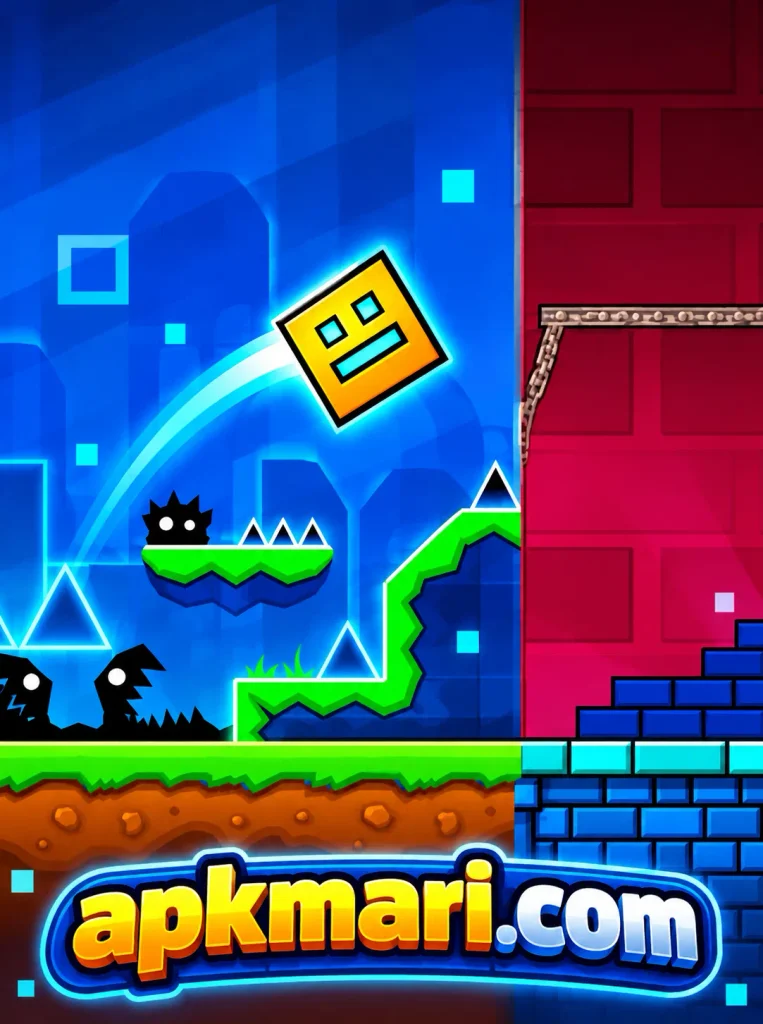
What Is Geometry Dash Lite?
Geometry Dash Lite is a free Android platform game where players guide a geometric character through dangerous obstacles using simple touch controls. The main objective is to reach the end of each level without touching spikes, walls, or other harmful objects.
The character generally moves forward automatically, requiring players to concentrate on jumping, flying, and responding to changes in the environment. Every level introduces different obstacle patterns that require accurate timing.
One interesting feature is its connection between movement and music. Background soundtracks create rhythm while players navigate platforms, gaps, and difficult passages.
Geometry Dash Lite Gameplay
The gameplay of Geometry Dash Lite looks simple initially, but completing challenging levels requires considerable practice.
Players begin by selecting an available level and controlling a moving geometric character. The character travels through different environments containing spikes, platforms, gaps, and moving obstacles.
Touching the screen makes the character jump during standard cube sections. In other movement modes, the controls work differently, requiring players to adjust their timing and reactions.
Important gameplay activities include:
- Jumping over dangerous spikes.
- Avoiding walls and obstacles.
- Flying through narrow passages.
- Following changing platform patterns.
- Reacting to gravity changes.
- Learning difficult level sections.
- Practicing accurate movement timing.
- Reaching the finish without crashing.
When players collide with an obstacle, the current attempt ends. Normal mode generally restarts the level from the beginning, encouraging players to learn from previous mistakes.
This repeated challenge makes each successful completion feel rewarding.
Rhythm-Based Levels and Music
Music plays an important role in Geometry Dash Lite because its gameplay combines movement with energetic soundtracks.
Each level includes background music that supports the atmosphere and helps players recognize important movement patterns.
The soundtrack changes depending on the selected stage, giving different levels their own identities.
Players can use musical cues to improve their timing, although successful movement still depends on recognizing obstacles.
Understanding Musical Timing
Listening carefully can help players anticipate certain jumps and changes in movement.
However, pressing the screen only according to the beat is not always reliable. Players should combine visual awareness with musical timing.
Different Level Challenges
Some levels introduce relatively straightforward obstacles, while others feature complicated passages, gravity changes, and faster reactions.
Difficulty increases as players attempt more demanding stages, encouraging gradual improvement.
Obstacles and Platform Challenges
Obstacles are essential elements of Geometry Dash Lite because they determine how players must move through every level.
Different obstacle designs require different reactions and movement strategies.
Spikes
Spikes are common obstacles that players must jump over or avoid. Incorrect timing usually results in an immediate failure.
Platforms
Platforms create jumping sections where players must calculate the correct distance and landing position.
Gaps
Gaps require controlled movement to prevent the character from falling outside the playable path.
Moving Obstacles
Some sections contain moving objects that increase the difficulty and demand careful observation.
Gravity Changes
Gravity-changing portals can reverse movement direction, requiring players to understand the character’s new orientation.
Learning how these obstacles work can improve overall gameplay performance.
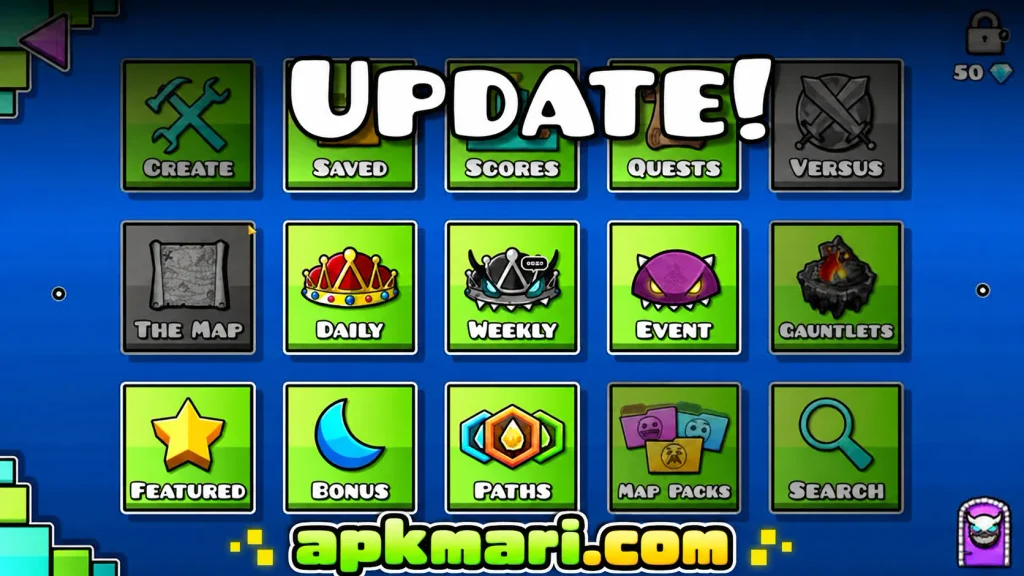
Different Character Movement Modes
Geometry Dash Lite includes movement mechanics that make the experience more interesting than ordinary jumping games.
Cube Mode
The cube is a familiar character form. Players tap to jump over spikes and move across platforms.
Ship Mode
Ship sections allow players to fly through passages. Touching and releasing the screen helps control vertical movement.
Ball Mode
Ball gameplay involves changing gravity to move between different surfaces while avoiding obstacles.
Other Transformations
Depending on the selected level, players may encounter additional transformations with different control behaviors.
Understanding each available movement mode is important because a technique that works in one section may not work in another.
Mobile Controls and Movement
Touchscreen controls are among the most recognizable features of Geometry Dash Lite.
The game generally uses simple interactions rather than complicated virtual joysticks or multiple action buttons.
During standard gameplay, tapping controls important character movements.
Players should focus on:
- Pressing at the correct moment.
- Releasing controls when necessary.
- Recognizing obstacle positions.
- Maintaining concentration.
- Understanding movement changes.
- Avoiding unnecessary repeated taps.
Although the controls are easy to understand, accurate execution becomes difficult in advanced sections.
Beginners should practice shorter sequences before attempting complicated combinations.
Graphics and Mobile Performance
Geometry Dash Lite features colorful geometric environments, animated obstacles, visual effects, and distinctive character designs.
Its visual presentation uses bright backgrounds and contrasting shapes to create an energetic arcade atmosphere.
Different levels may include changing colors, flashing effects, and animated environments.
Smooth performance matters because even small interruptions can affect jumping accuracy.
Players using older Android devices should close unnecessary background applications and maintain sufficient available storage.
Lowering unnecessary system activity can help support more consistent gameplay, although actual performance depends on the phone.
Practice Mode and Skill Improvement
Practice mode is one of the most useful features of Geometry Dash Lite for beginners and experienced players.
Instead of repeatedly attempting an entire difficult level, players can practice challenging sections using checkpoints.
This allows them to understand obstacle patterns without restarting the complete stage after every mistake.
Practice mode helps players:
- Learn complicated jumping sequences.
- Understand unfamiliar movement mechanics.
- Improve reaction timing.
- Recognize dangerous obstacles.
- Memorize difficult sections.
- Build confidence before normal attempts.
Completing a level in practice mode does not replace completing it in normal mode.
However, consistent practice can significantly improve a player’s understanding of the course.
Character Customization
Character customization gives players another way to personalize Geometry Dash Lite.
The game includes unlockable icons and color options that can change the appearance of the controlled character.
Players may unlock additional customization choices by completing available challenges or reaching specific achievements.
Different shapes and colors help create a personalized appearance without changing the basic objective.
Customization primarily affects visual presentation rather than providing an advantage during difficult levels.
Players can experiment with available designs while continuing to improve their gameplay skills.
Android Requirements
Before installing Geometry Dash Lite, players should check their device compatibility and available storage.
| Requirement | Recommended Check |
|---|---|
| Android Version | Compatible Android operating system |
| Storage | Enough free space for installation and updates |
| RAM | Sufficient memory for smooth gameplay |
| Internet | Needed for downloading and certain online features |
| Display | Responsive touchscreen |
| Processor | Capable of running arcade platform games |
| Permissions | Allow only necessary application permissions |
Actual compatibility requirements may change with updates.
Players should check the official application listing for supported devices and current installation information.
How to Download and Install Geometry Dash Lite?
Installing Geometry Dash Lite on Android is generally straightforward.
The safest option is downloading the application directly from its official Google Play listing.
Follow these steps:
- Open Google Play Store on your Android phone.
- Search for Geometry Dash Lite.
- Confirm that RobTop Games is the developer.
- Open the official application page.
- Tap the Install button.
- Allow the installation to finish.
- Open the game from your application menu.
- Select an available level and begin playing.
Players considering APK installation should verify the publisher, file authenticity, and version before downloading.
Avoid modified packages from unknown websites because they can introduce security and performance risks.
Tips for Beginners
Beginners can improve their Geometry Dash Lite experience by developing a consistent practice routine.
Start With Easier Levels
Choose introductory levels before attempting more demanding stages. This helps establish basic movement skills.
Learn Obstacle Patterns
Pay attention to the position and sequence of obstacles rather than relying entirely on quick reactions.
Use Practice Mode
Practice difficult sections until their movements become familiar.
Control Your Timing
Avoid pressing the screen too early or too late. Accurate timing is essential for successful jumps.
Stay Focused
Distractions can cause mistakes, especially during faster sections containing multiple obstacles.
Take Short Breaks
Repeated failures can become frustrating. Taking breaks may help restore concentration.
Learn From Mistakes
Identify exactly where previous attempts failed and adjust your movement during the next attempt.
Why Geometry Dash Lite Stays Interesting?
One reason Geometry Dash Lite remains entertaining is its balance between simple controls and demanding challenges.
Players can understand the basic objective quickly, but mastering difficult levels requires dedication.
Every attempt creates another opportunity to improve timing, recognize obstacles, and reach a greater completion percentage.
The combination of energetic music, colorful graphics, and challenging movement encourages players to continue practicing.
Unlockable customization options and different level designs also provide additional goals beyond simply completing introductory stages.
For players who enjoy skill-based arcade entertainment, this progression creates an engaging experience.
Updated Versions
Updated versions of Geometry Dash Lite may introduce additional content, technical improvements, bug fixes, and gameplay adjustments.
Players should check official release notes before assuming a particular feature is available.
The official Google Play listing currently describes additions such as Fingerdash, Deadlocked, improved precision options, and other content.
Keeping the game updated can help players access supported features and compatibility improvements.
Before updating, users should also consider whether their existing progress is backed up or transferable.
Geometry Dash Lite vs Full Version
Geometry Dash Lite provides a free introduction to the Geometry Dash experience.
The full version offers broader access to levels, customization opportunities, achievements, and creation tools.
The free version contains advertising and has content limitations compared with the complete paid game.
However, Lite still provides meaningful gameplay for users interested in experiencing rhythm-based platform challenges without making an initial purchase.
Players who enjoy completing difficult levels may eventually consider the full version for additional content.
Is Geometry Dash Lite Good for Beginners?
Geometry Dash Lite can be suitable for beginners because the basic controls are straightforward.
New players only need to understand how touch interactions affect character movement.
However, the difficulty increases considerably across challenging stages.
Beginners should not expect to complete every level immediately. Repetition, concentration, and familiarity with obstacles are important.
Practice mode provides a useful learning environment, making difficult sections easier to understand over time.
Players who enjoy improving through repeated attempts may find the game particularly satisfying.
Pros and Cons
Pros
- Free rhythm-based arcade gameplay.
- Simple touchscreen controls.
- Colorful geometric environments.
- Energetic background music.
- Challenging obstacle courses.
- Useful practice mode.
- Unlockable character customization.
- Suitable for short gaming sessions.
- Core levels can be played offline.
Cons
- Contains advertisements.
- Difficult levels may frustrate beginners.
- Limited content compared with the full version.
- Repeated attempts require patience.
- Some visual effects may feel distracting.
- Certain additional features require internet access.
Final Thoughts
Geometry Dash Lite delivers an entertaining combination of rhythm, movement, challenging obstacles, and colorful arcade environments.
Its simple controls make the basic gameplay accessible, while difficult levels encourage players to improve their concentration, timing, and reaction skills.
Practice mode, customization options, different movement mechanics, and energetic soundtracks add variety to the overall experience.
FAQs
Yes. The game is free to download and play, although it includes advertisements and offers less content than the full version.
Yes. Core single-player levels can generally be played offline, while certain online features and updates require internet access.
Yes. Practice mode allows players to rehearse difficult sections using checkpoints before attempting complete levels.
Yes. Players can unlock different character icons and colors through available achievements and progression features.
Yes. The basic controls are easy to learn, although advanced levels require patience, repetition, and accurate timing.
Download links
How to install Geometry Dash Lite APK?
1. Tap the downloaded Geometry Dash Lite APK file.
2. Touch install.
3. Follow the steps on the screen.